

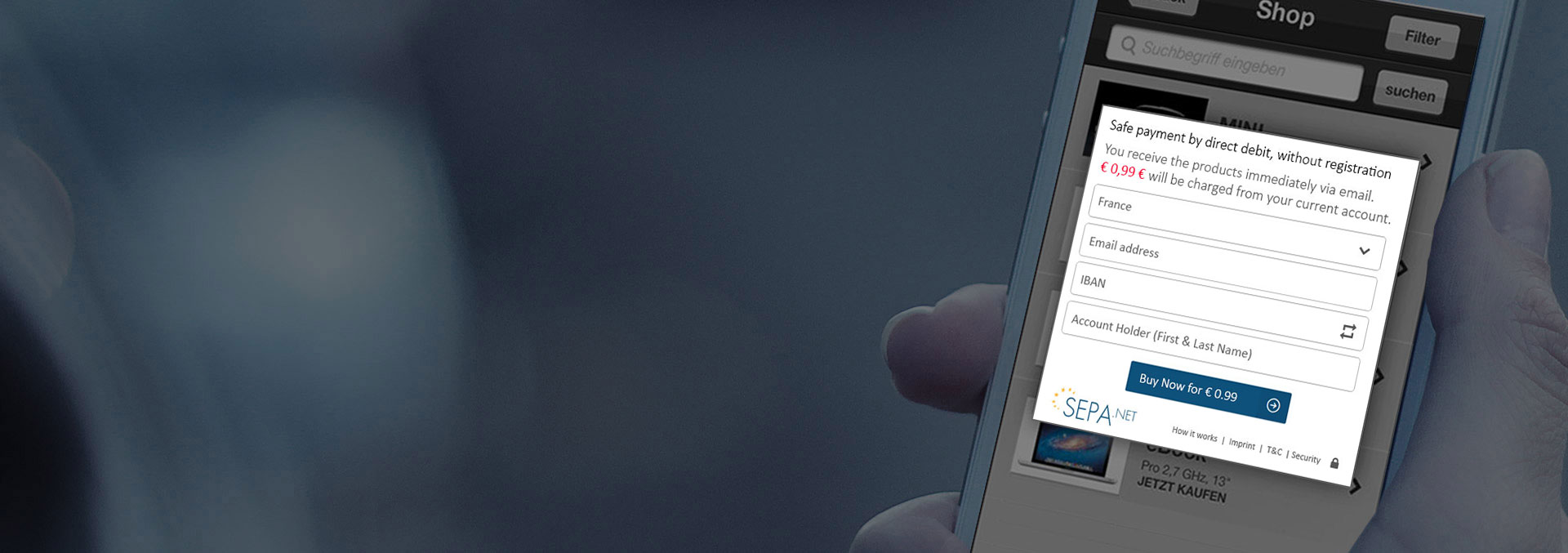
Purchase Button

Ready to use in 3 minutes.

[qodef_elements_holder][qodef_elements_holder_item item_padding=”40px” horizontal_aligment=”center” vertical_alignment=”middle” hover_animation=”default” item_padding_600_768=”20px” item_padding_480_600=”20px” item_padding_480=”20px”][qodef_image_with_icon icon_pack=”font_awesome” fa_icon=”fa-shopping-cart” image=”5976″][/qodef_elements_holder_item][/qodef_elements_holder]
[qodef_elements_holder][qodef_elements_holder_item item_padding=”90px 0px 60px 10px” horizontal_aligment=”left” vertical_alignment=”middle” hover_animation=”default” item_padding_768_1024=”25px 0px 0px 0px” item_padding_600_768=”15px 0px 15px 0px” item_padding_480_600=”30px 10px 30px 10px” item_padding_480=”30px 10px 30px 10px”]

Ready-to-go purchase button especially for files

Do you want to sell a digital file with little effort? For this, you’ll get the HTML code for a ready-to-use purchase button, which you simply place on your site. With the first click on your new SEPA.net button, you can then set which file you want to sell online. SEPA.net opens when you click on the purchase button. This variant is particularly suitable for online stores (e-business, e-commerce).

[/qodef_elements_holder_item][/qodef_elements_holder]

Demo shop buy button

Buy an MP3 song as a test. For this you don’t need to fill out any fields, just click. No transactions are made.

Ready-to-use purchase button specifically for files

Do you want to sell goods or services online? You can generate your purchase buttons dynamically on your server. You also have numerous possibilities to calibrate the payment process on your system.

[qodef_button size=”” type=”solid” hover_animation=”” target=”_self” icon_pack=”simple_line_icons” simple_line_icons=”icon-arrow-right-circle” font_weight=”” text=”Button generator” link=”https://www.sepa.net/solutions/purchase-button/button-generator/”]
[qodef_call_to_action full_width=”yes” content_in_grid=”yes” grid_size=”66″ type=”normal” show_button=”yes” button_type=”solid” button_hover_animation=”” button_target=”_self” button_icon_pack=”font_awesome” button_fa_icon=”fa-lock” button_text=”Register now” button_link=”https://www.sepa.net/register-now/” background_color=”#f39400″]

Integrate SEPA.net into your website.

[/qodef_call_to_action]